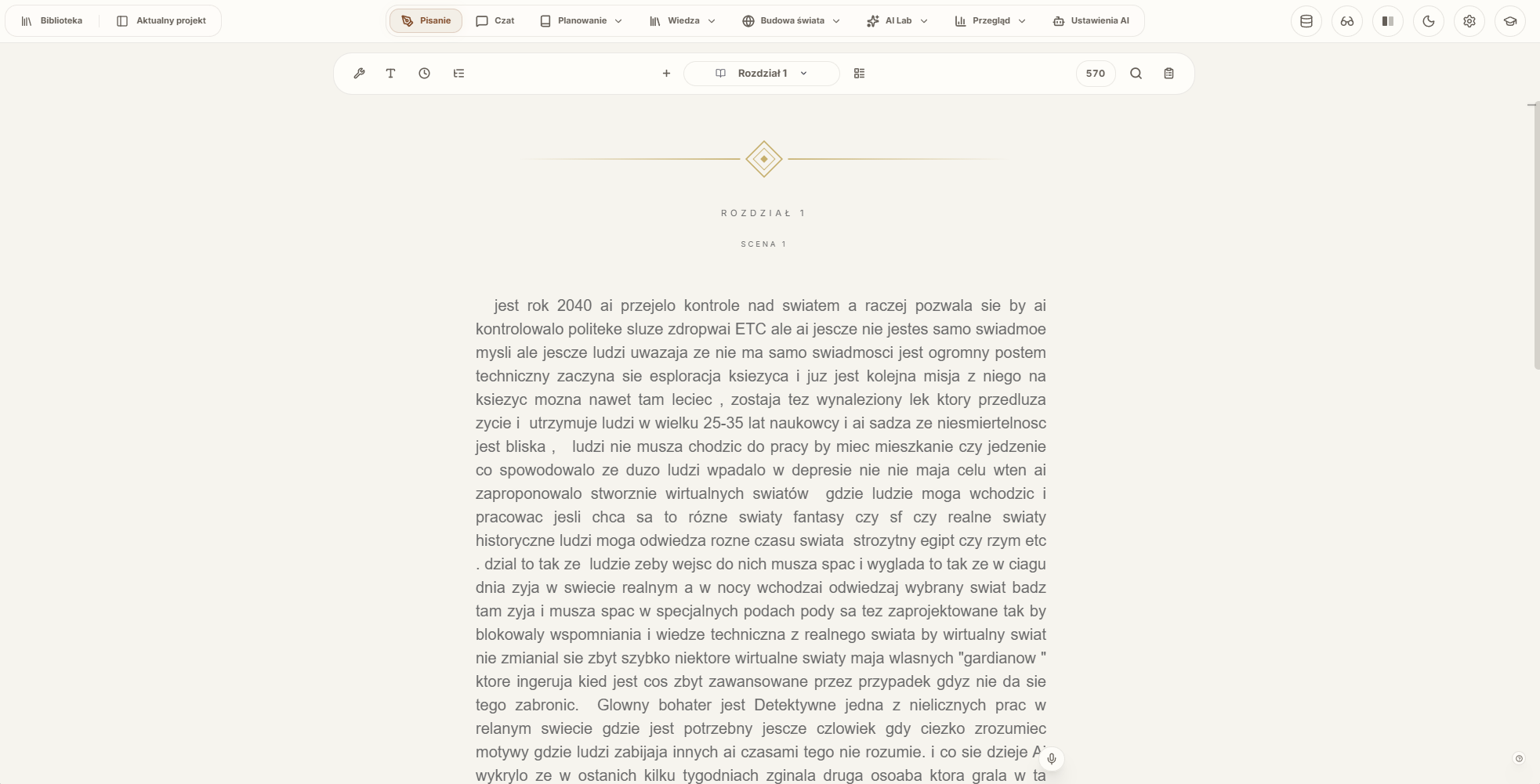
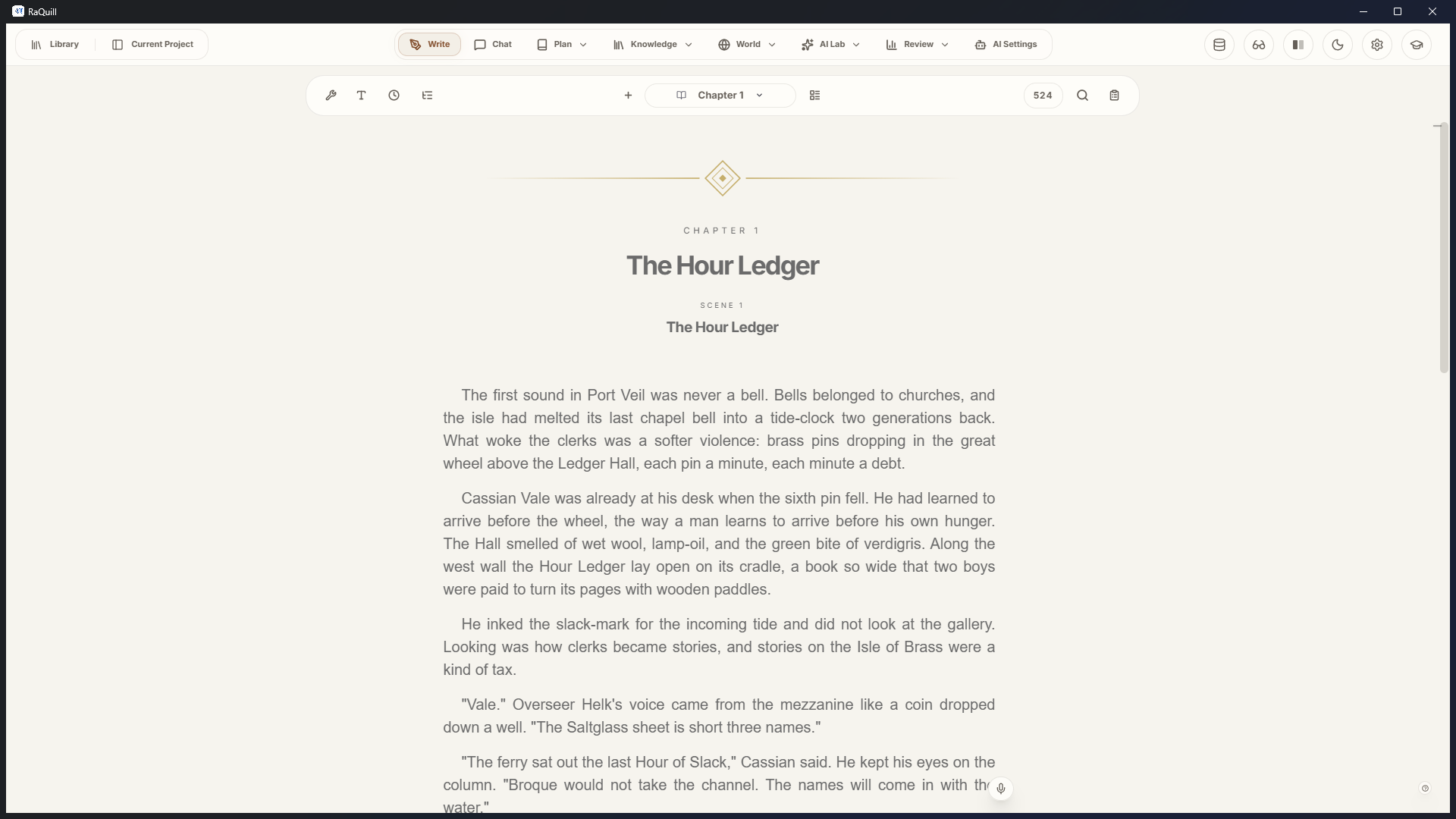
A page that stays a page
Write in scenes and chapters. Split Screen, Focus, History, and Track Changes stay around the prose instead of replacing it.
One place for the book and the world
Plan, draft, remember, and prepare the edition inside one writing studio.
The sentence, the plan, the bible, and the edition belong to one project on your disk. Open only the surface the current chapter needs.
Write in scenes and chapters. Split Screen, Focus, History, and Track Changes stay around the prose instead of replacing it.
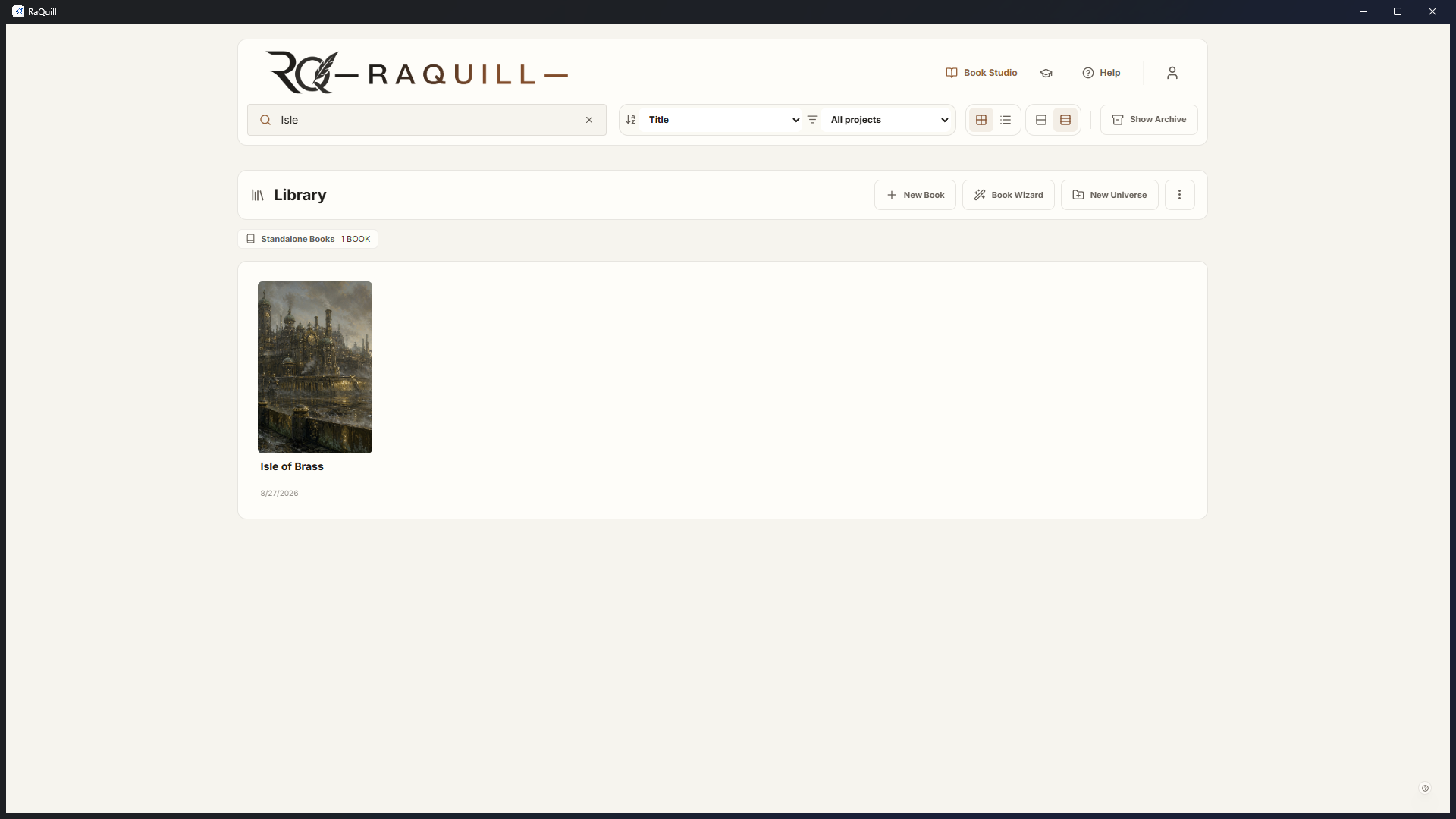
Open a book the way you left it. Covers, chapters, and the next scene live in one library — on the machine you already have.
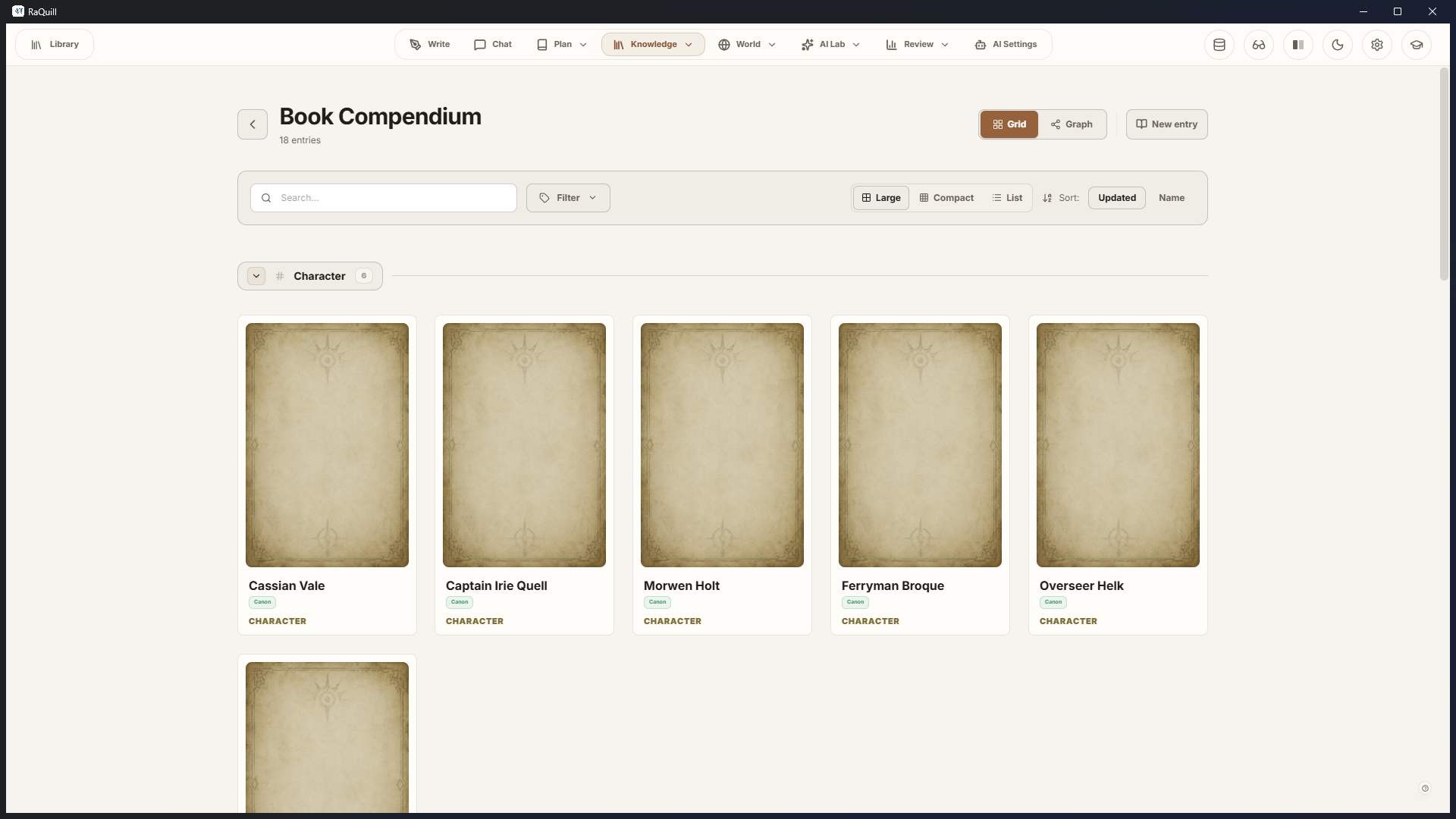
Names shift. Alliances break. Codex, Compendium, Atlas, Timeline, and Graph keep the facts close to the manuscript.
Outline, Weaver, Story Roadmap, Snowflake, Book Plotter, or Book DNA. Start with a sentence, or untangle a whole novel.
Recover a scene, compare versions, and keep Track Changes beside the live draft. The writing file stays the writing file.
Do these headaches sound familiar?
Word for prose, Notion for notes, a chat tab for ideas. Nothing remembers the same character twice.
Eyes, dates, and alliances live in a spreadsheet the draft never sees. Continuity becomes a second job.
Generic chat will invent a name you already named. It does not know the book unless you paste the book.
Outliners want a finished structure on day one. Discovery writers get punished for writing the piece that is actually ready.
Layout tools want to own the manuscript. One export later, the writing file is no longer the writing file.
Accounts, sync, and a subscription between you and yesterday’s chapter. The work should live where you can see it.
Specialist AI
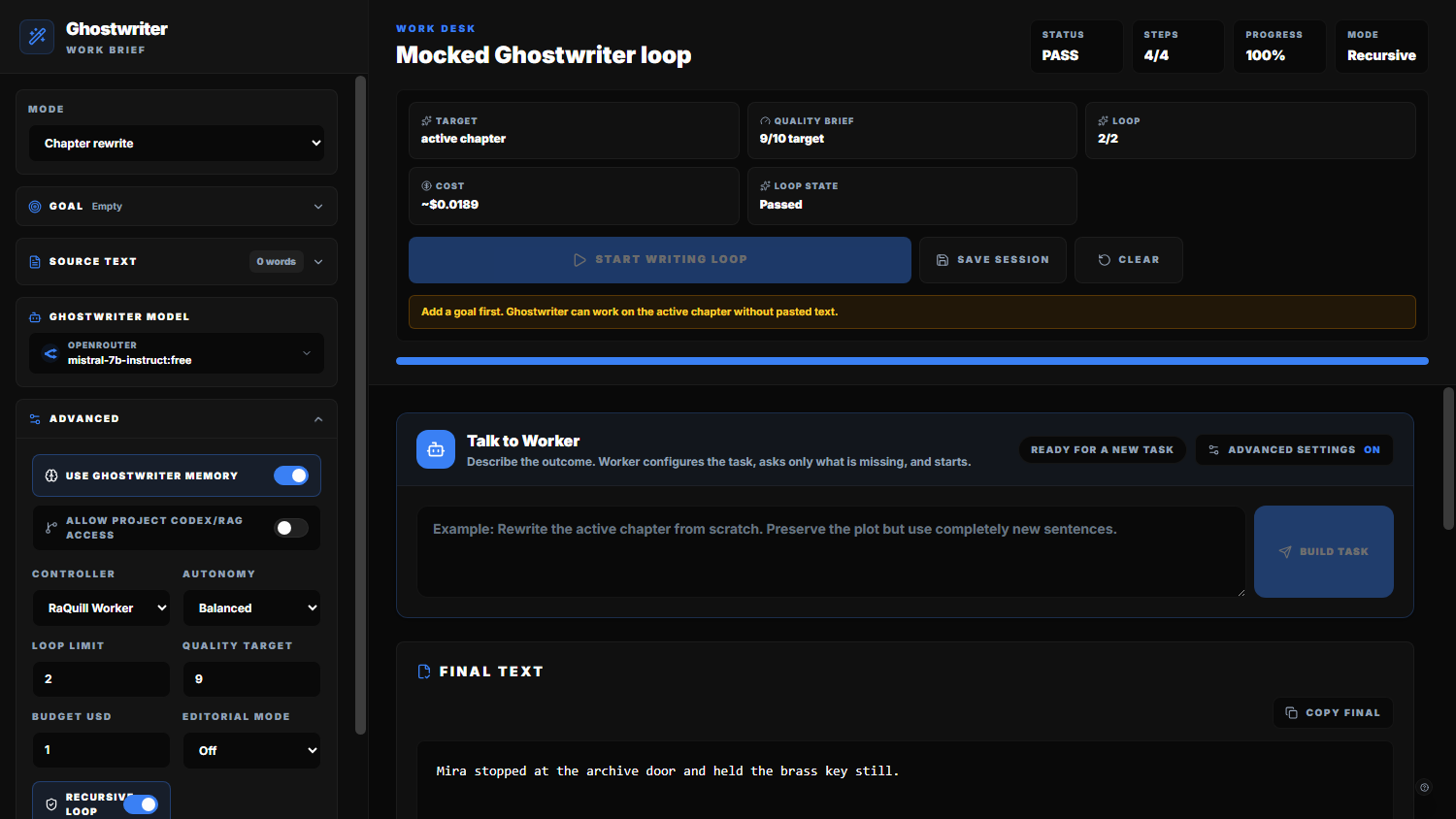
Use AI to brainstorm, write, or review — or leave it off. Choose the provider, select the useful context, and inspect the proposal before prose or canon changes. OpenRouter, Ollama, LM Studio, Ollama Cloud, or a custom endpoint.
Book Studio
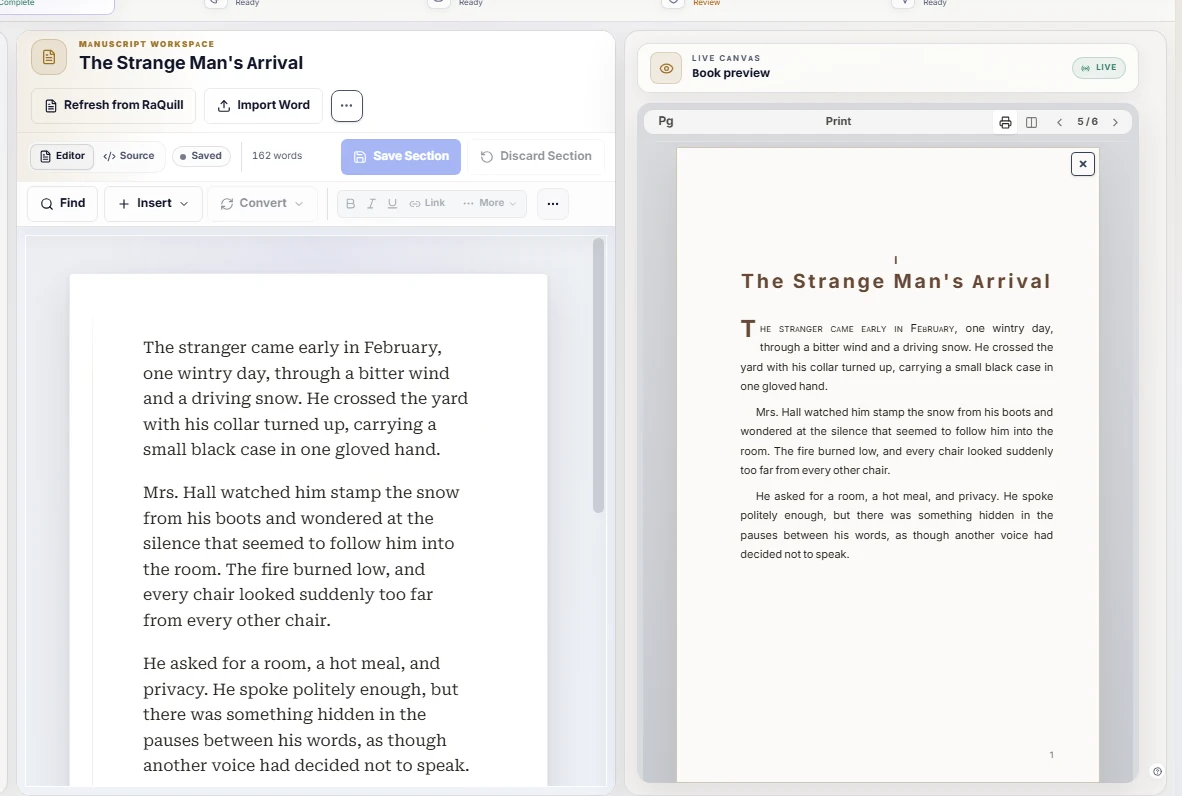
Finish the edition in a separate production copy. Package, style, preview, preflight, then leave with EPUB, Reader HTML, DOCX, or a print-PDF proof.
Desktop trust
The books live on your computer. There is no cloud sync of the manuscript.
The studio opens with a license key. No signup form sits between you and the page.
It stays off until you turn it on. Writing, planning, and production remain useful without it.
Generated material is a proposal. Canon and prose stay under your review.
Before you install
The public build is a Windows beta. Request a key, install, and start with a test project.
No. Writing, planning, worldbuilding, revision, and production remain useful with AI left off.
No. You install a Windows build and unlock it with a beta key.
On your disk, in the project you create. There is no cloud sync of the manuscript.
Windows 10 or 11, 64-bit. The public build is a desktop installer.
RaQuill for Windows
Download the installer. Request a beta key. Keep the files where you can see them.